One site for kids, farm days and workplace English
- 40 workplace lessons
- 6 kids units, 4 sections each
- 1,200 recorded lines
- 0 baht a month to run
The problem
I teach English in Ban Pong, Thailand: children on Saturdays, private students, company classes for office and factory teams, and outdoor farm days. Over the years that had turned into several separate websites and apps, each with its own login and its own design, and some on paid plans. Lessons were scattered, parents and staff did not know where to go, and keeping everything up to date took hours I wanted to spend teaching.
What I built
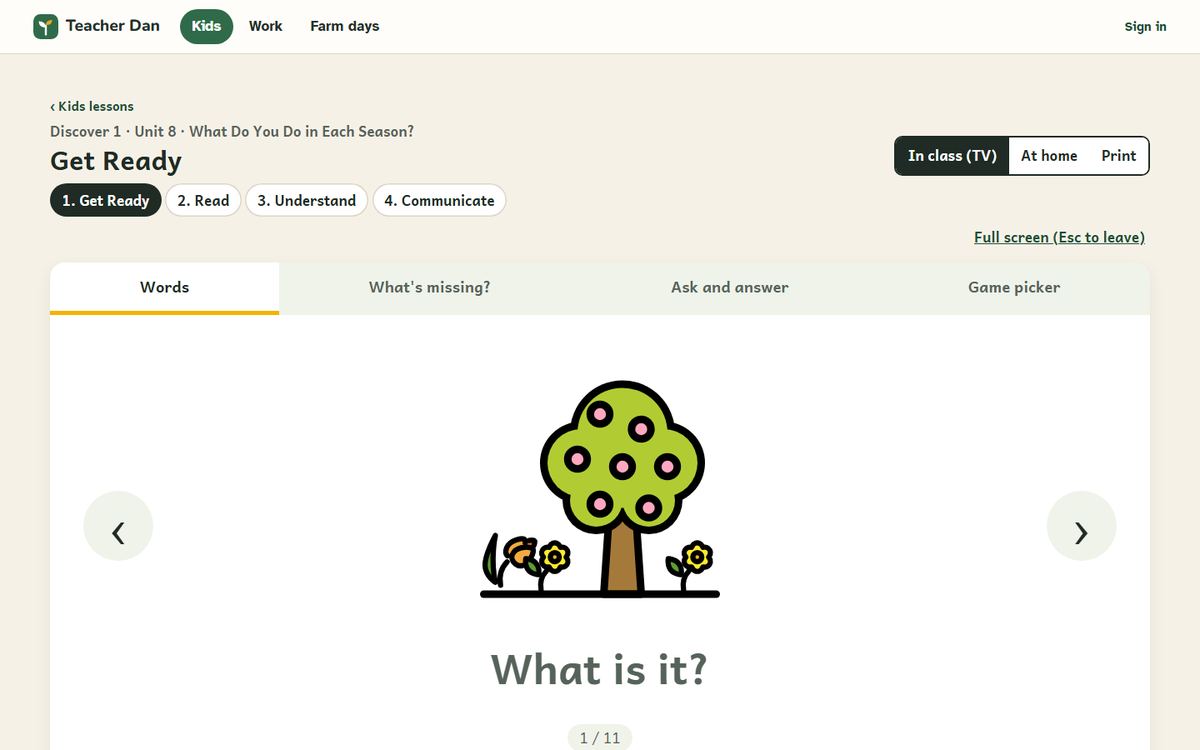
One website with three clear doors: Kids, Work and Farm days. A visitor knows in a few seconds which one is theirs.
- Kids lessons follow the class book unit by unit. Each section has three modes: a big, high-contrast In class mode for the classroom TV (picture cards, a "What's missing?" game, question and answer, a story, a random game picker, team scores and a timer), an At home mode for a tablet (listen-and-tap, say it, read-along story), and Print sheets in black and white so they are cheap to copy and fun to colour.
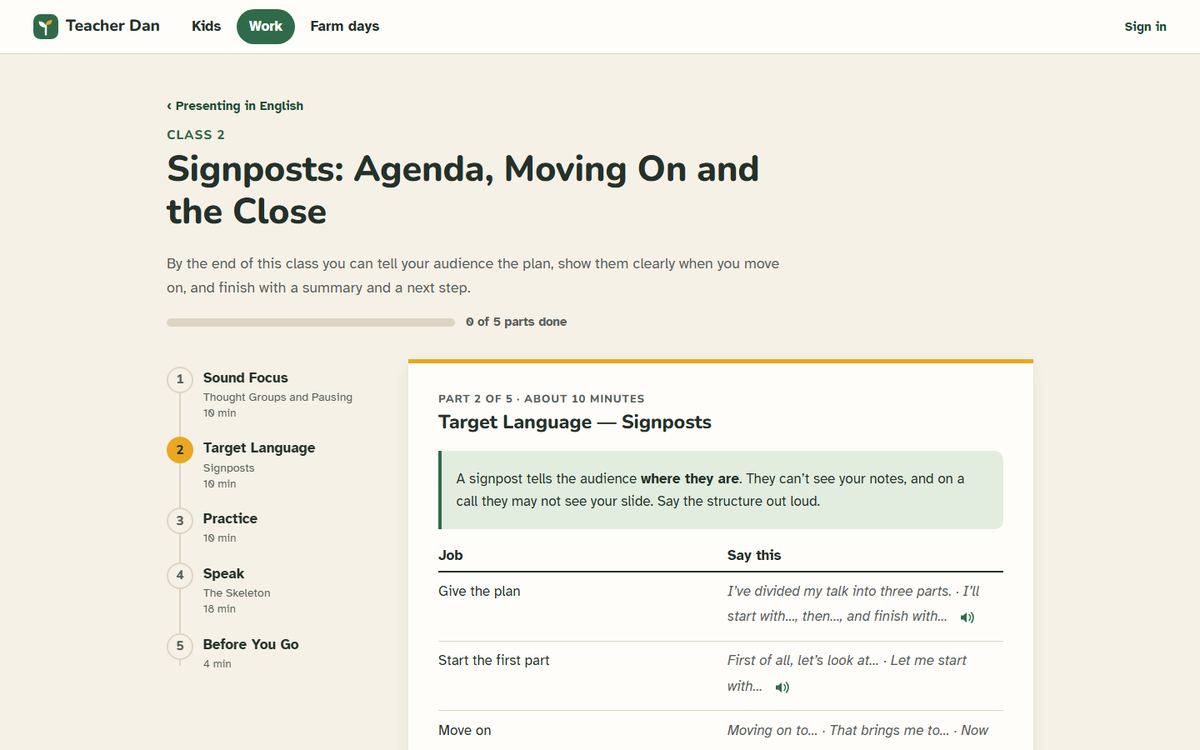
- Work lessons are two 20-class courses for company teams. Every lesson has the same five parts: a sound to fix, the language for the task, self-checking practice, a real work situation to speak through, and a short wrap-up. Each class is written once and becomes the printed handout, the teacher’s copy and the online lesson.
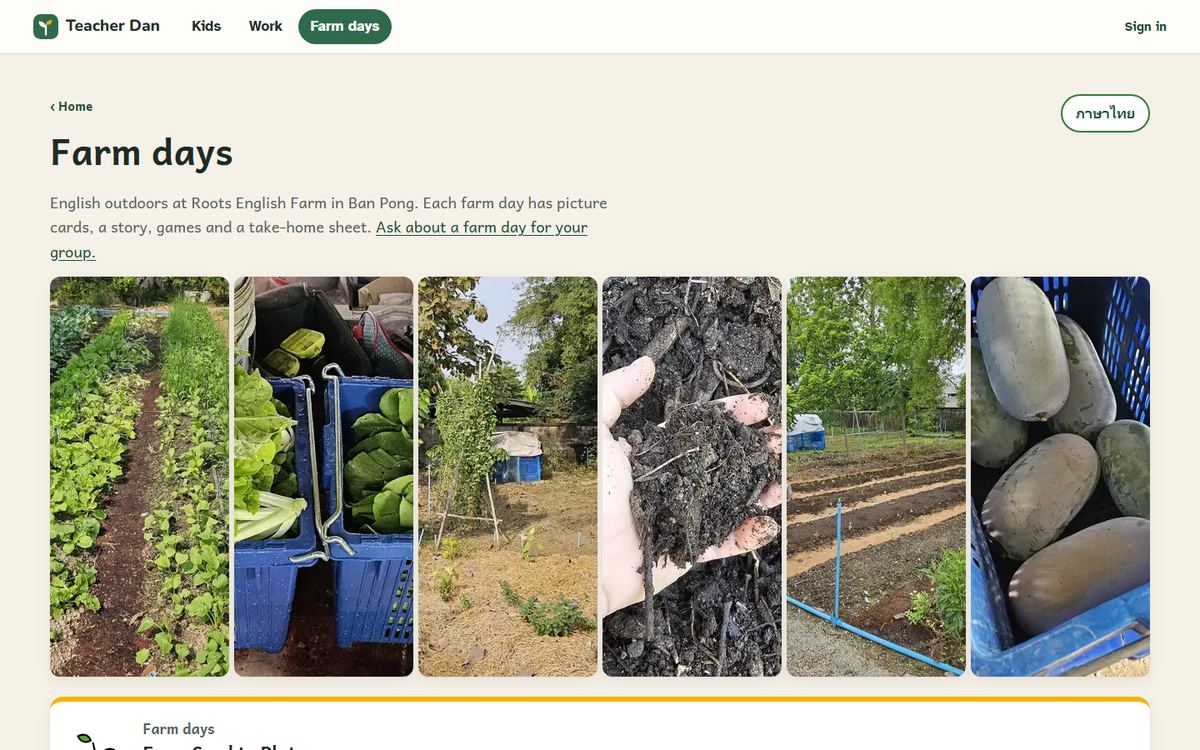
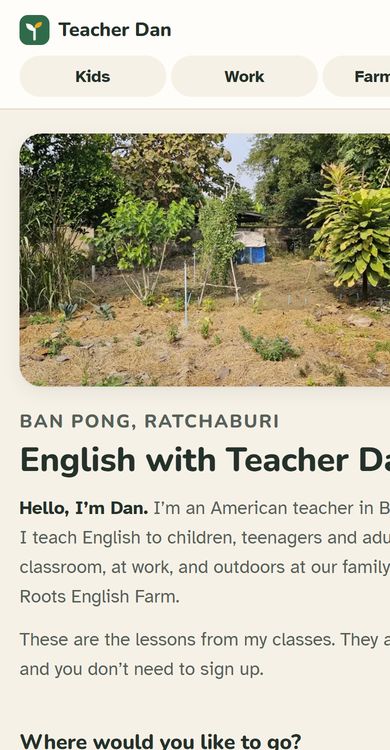
- Farm days have their own lessons, photos from the farm, and a short enquiry form (in English and Thai) for families and schools.
Speaking practice that gives feedback
Every word, model answer and story page has an American-English recording. Learners can record themselves and play it back, and a “Check me” button uses the phone’s own speech recognition to show which words came through clearly. Nothing is uploaded: recordings stay on the learner’s device.
Simple for learners, useful for managers
Nobody needs an account to use a lesson; progress saves in the browser. Staff who want their progress on every device can sign in, and their manager then sees one thing only: which lessons each person has finished. Answers, scores and recordings stay private, which keeps people willing to practise and make mistakes. The database rules that enforce this are checked by an automated test with pretend users.
The free-tools approach
The whole site runs on free plans, with no credit card on file:
- Hosting, sign-in and the progress database on Firebase’s free tier. Lessons, pictures and sound are plain files in the project, not paid storage.
- Voice recordings made once with free text-to-speech voices and saved as small audio files.
- Pictures from OpenMoji (open-source icons), combined into new flashcards with a small script, and story art drawn on my own computer with an open model.
- Admin jobs (creating logins, backups, lesson checks) are one-click scripts on my own PC instead of paid server functions.
The result loads fast on a phone (Google Lighthouse scores of 92 to 97 for speed and 100 for accessibility on the main pages) and costs nothing to run.
Where it is now
The site is live at myteacherdan.com and used in my classes. New kids units are added as each class reaches them, and new workplace courses can be built around a team’s real tasks.
← Back to Portfolio